Create your account and your booking link
Account, specialty, starter services and a public booking link, in about ten minutes.
- 1Create the account
Name, email, password. No card, no trial timer on the free plan.
- 2Pick your specialty
Nails, lashes, brows, hair, barber, skin, waxing, massage, aesthetics, wellness, fitness and more. This chooses your starter services, return intervals, intake questions and consent text.
- 3Country, currency, language
The country sets your phone prefix, the currency formats every price, the language is the one your clients read in messages (English or Romanian for now).
- 4Check the starter services
Durations, prices and how often a client should return. Edit anything now or later in Catalog.
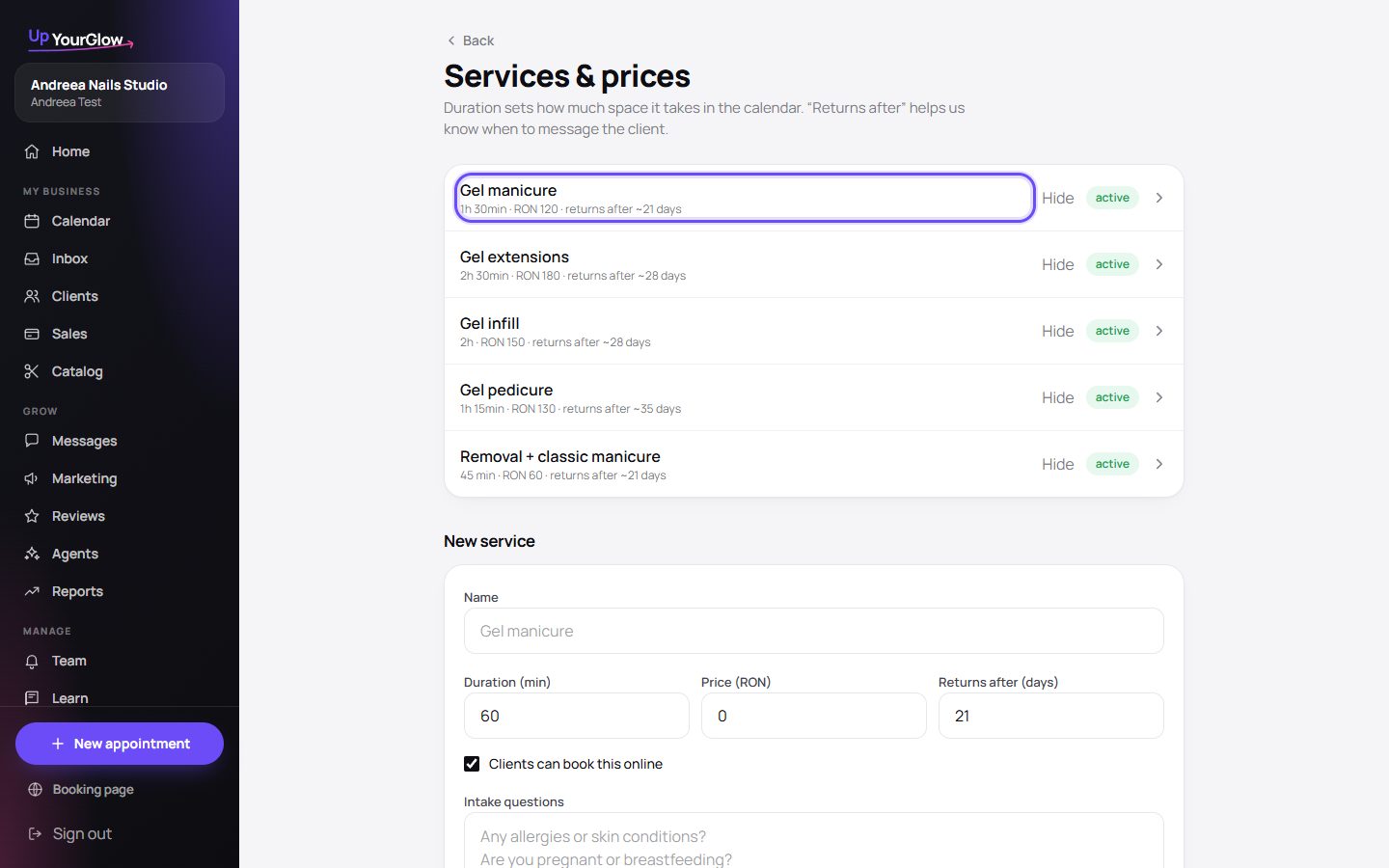 Open services · where to click is highlighted in violet
 - 5Your booking link is live
It looks like upyourglow.com/b/your-name. Copy it from Settings and put it in your Instagram bio and WhatsApp status.
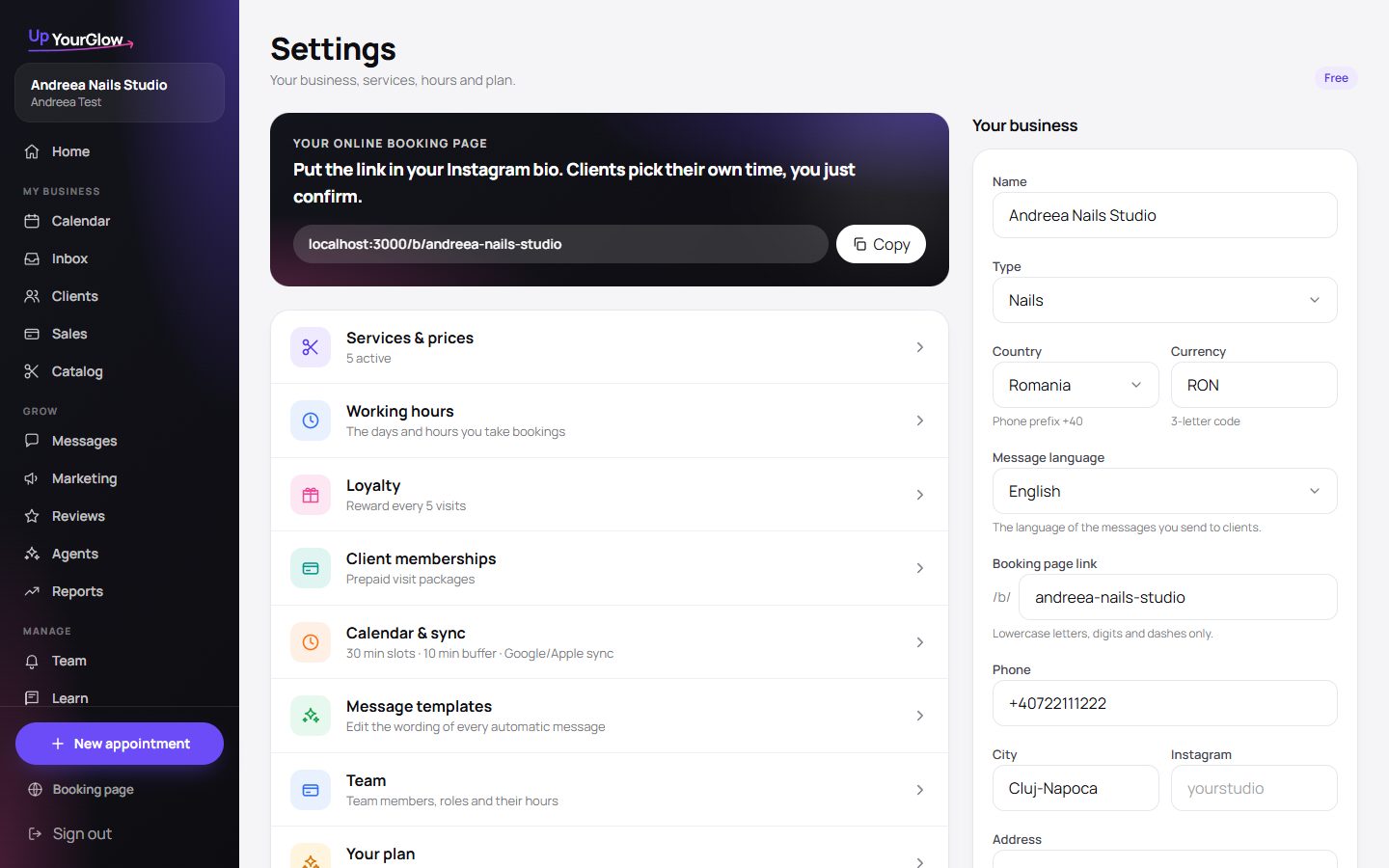 Copy the link · where to click is highlighted in violet
Stop running your business from your DMs.
Organised in 2 minutes. More clients in your first week. Free for up to 30 clients.