Working in the calendar
Day, week, month. Drag to move, click a gap to book, fill open slots, sync to your phone.
- 1Four views
Day (one column per team member), week, month and a 14-day agenda list. Keys: D, W, M, A. T jumps to today.
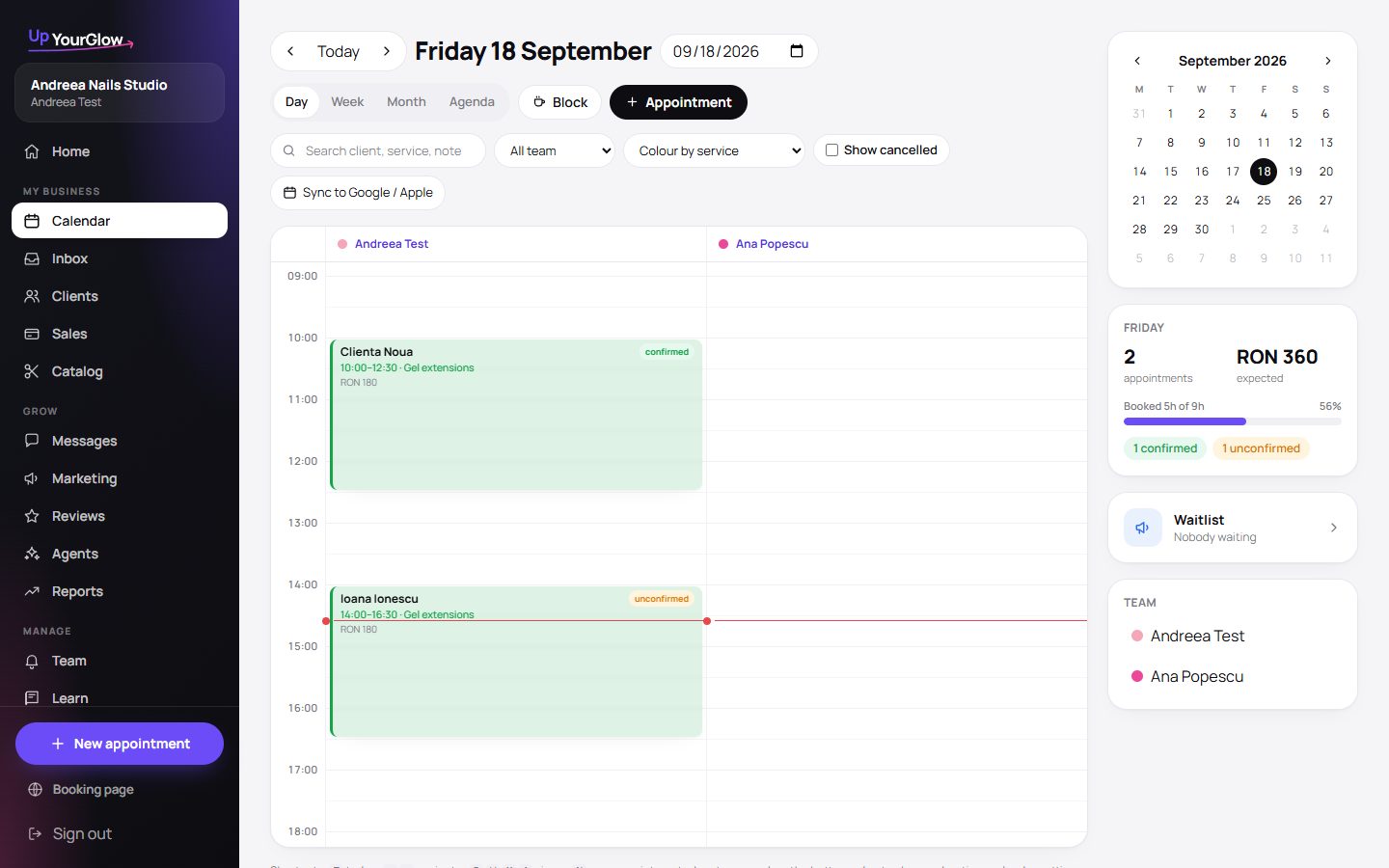 Open calendar · where to click is highlighted in violet
 - 2Move and resize by dragging
Drag an appointment to another time or another team member. Drag its bottom edge to change the duration. Everything snaps to 15 minutes.
- 3Click an empty slot to book
The new-appointment form opens with that day, time and team member already filled in.
- 4Open slots are buttons
Gaps in your day show as “Open 13:00–14:30” with a Fill button that finds the right clients to offer it to.
- 5Recurring series
Tick “Repeat this appointment” for a client who comes every 3 weeks: the whole series is created, taken slots are skipped and reported.
 New appointment · where to click is highlighted in violet
 - 6See it on your phone's calendar
Subscribe from Google, Apple or Outlook with a private link. It updates by itself.
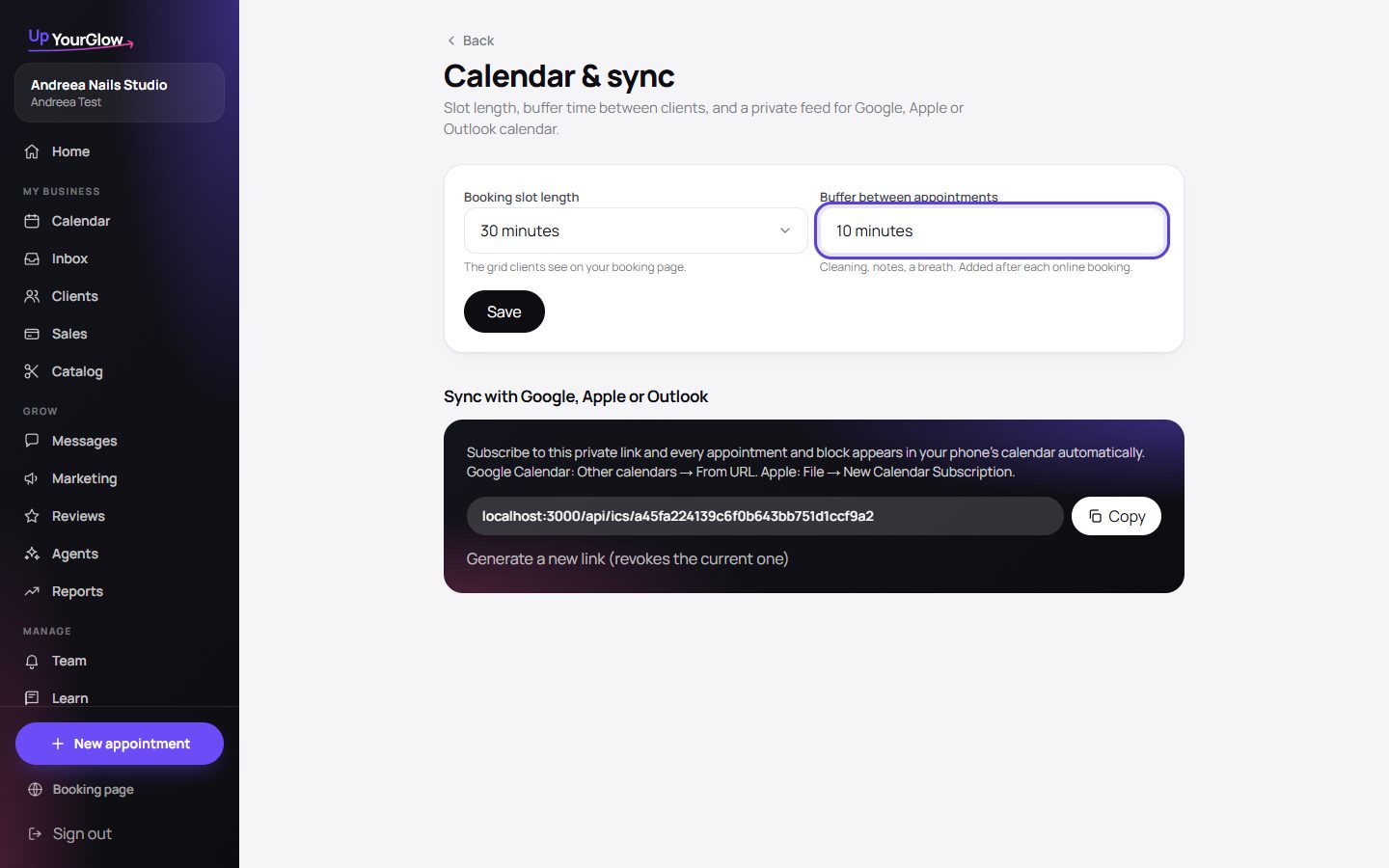 Sync link · where to click is highlighted in violet
Stop running your business from your DMs.
Organised in 2 minutes. More clients in your first week. Free for up to 30 clients.