Learning center
Every day · step 7 of 14 · 4 min
When the client is in the chair: status and checkout
Confirm, complete, no-show. Then checkout with products, discount, tip and payment method.
- 1Statuses
Unconfirmed → confirmed → completed. No-show and cancelled are one tap away and count on the client's profile.
- 2Checkout
Service price, retail products with stock, discount, tip (or a percentage), payment method. The visit becomes completed, loyalty points are added, the sale lands in Sales.
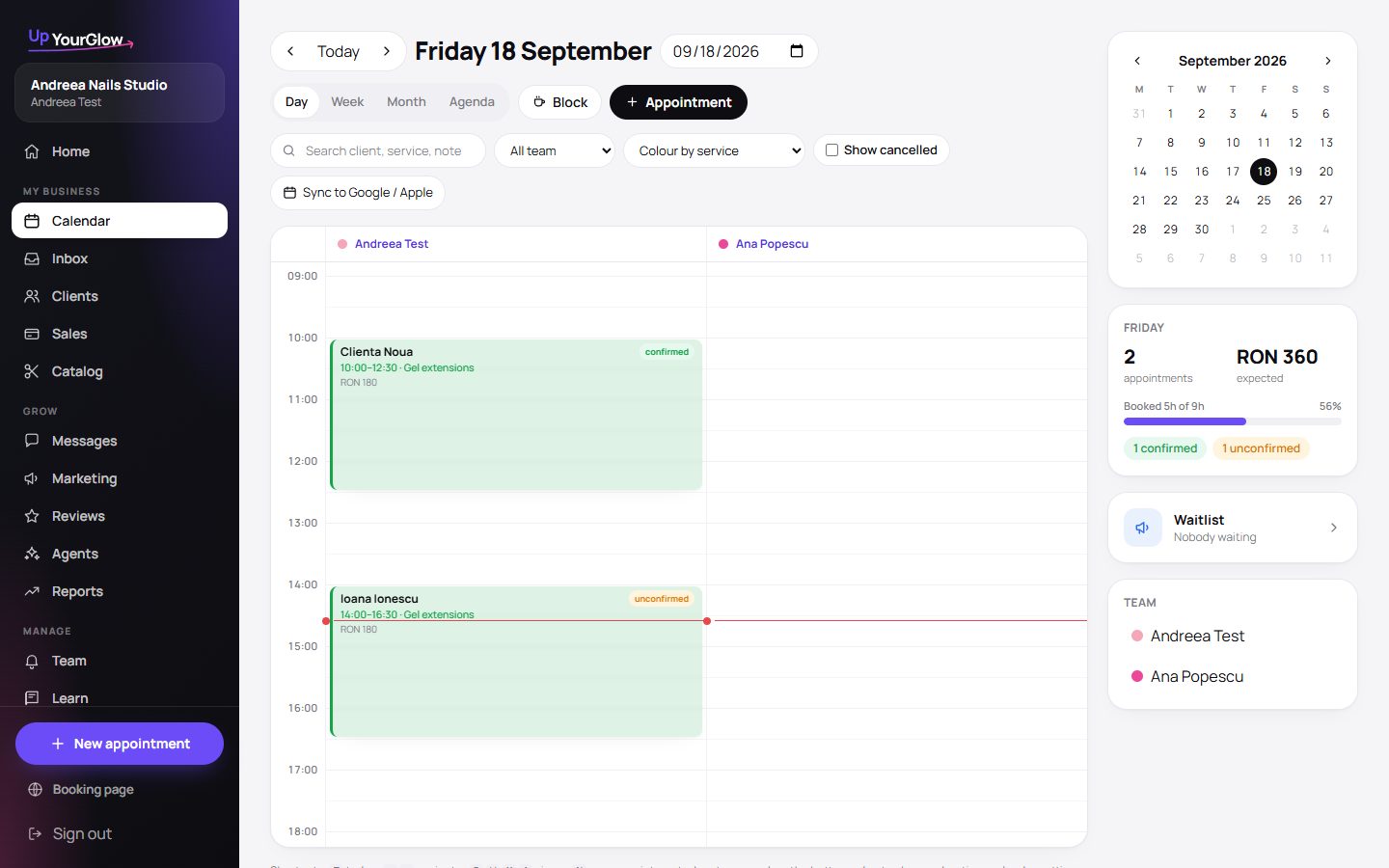 Open today · where to click is highlighted in violet
 - 3Products and stock
Add the products you sell once. Stock goes down with every checkout and warns you when it is low.
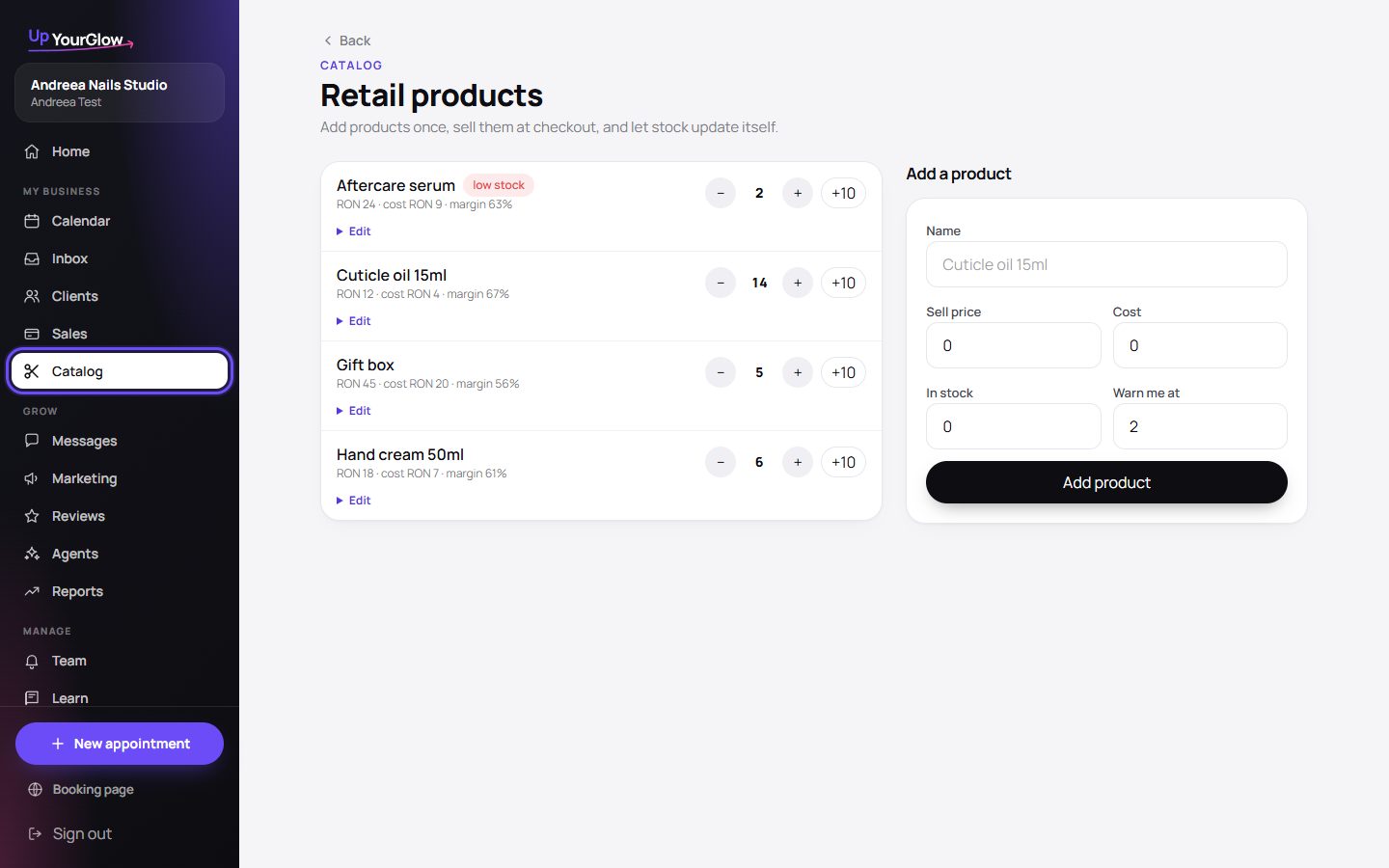 Products · where to click is highlighted in violet
 - 4Sales history
Every checkout by day, method and team member, plus the visits that were never checked out.
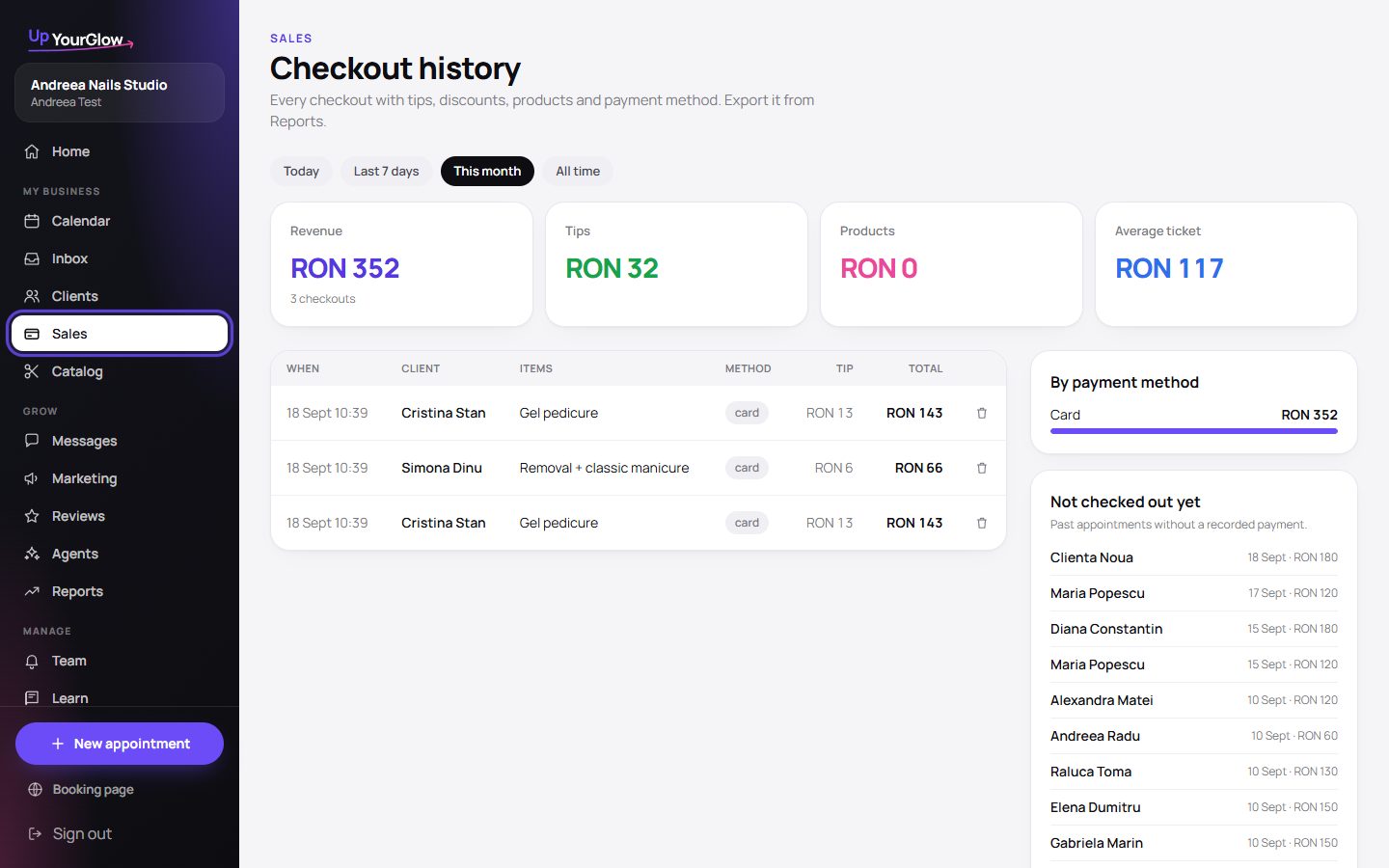 Sales · where to click is highlighted in violet
Stop running your business from your DMs.
Organised in 2 minutes. More clients in your first week. Free for up to 30 clients.